See ShotShelf in action
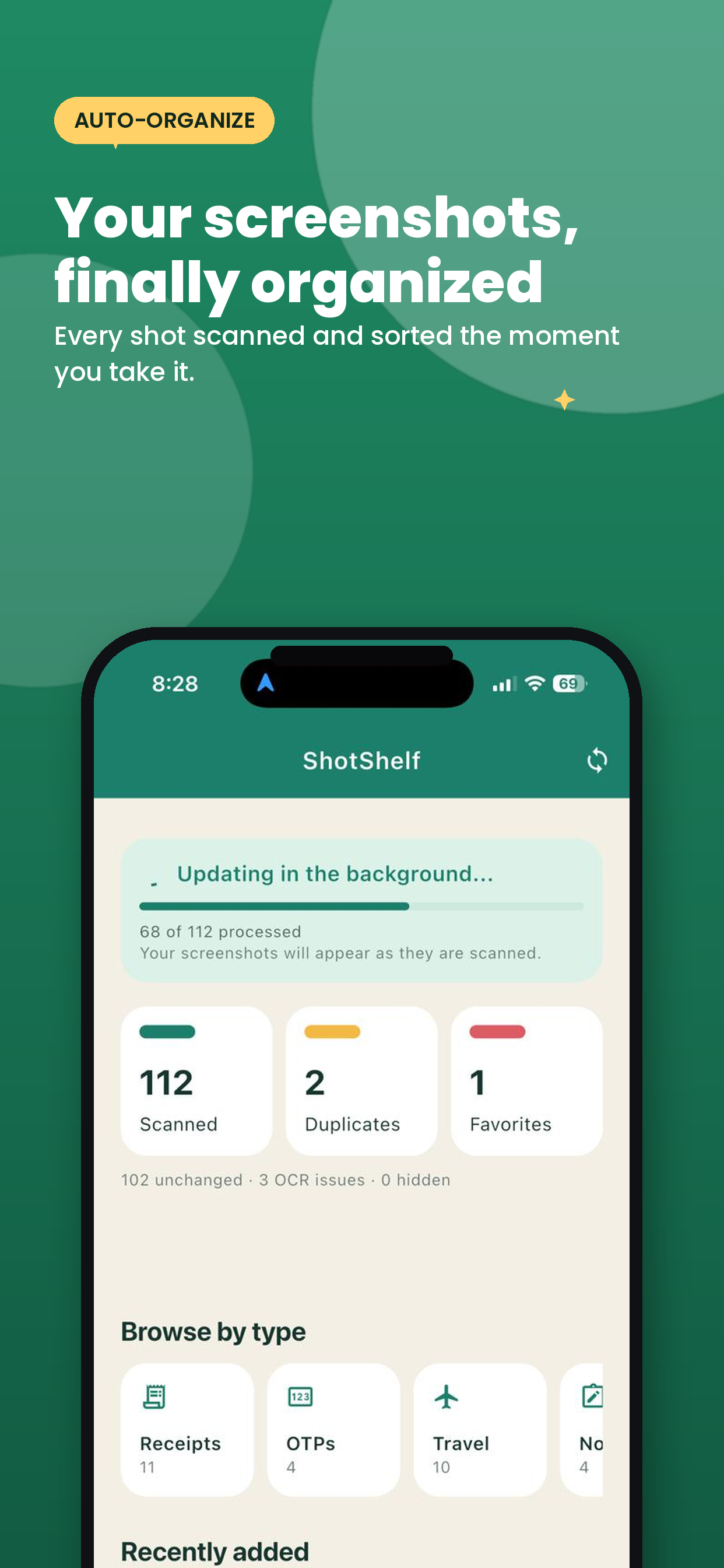
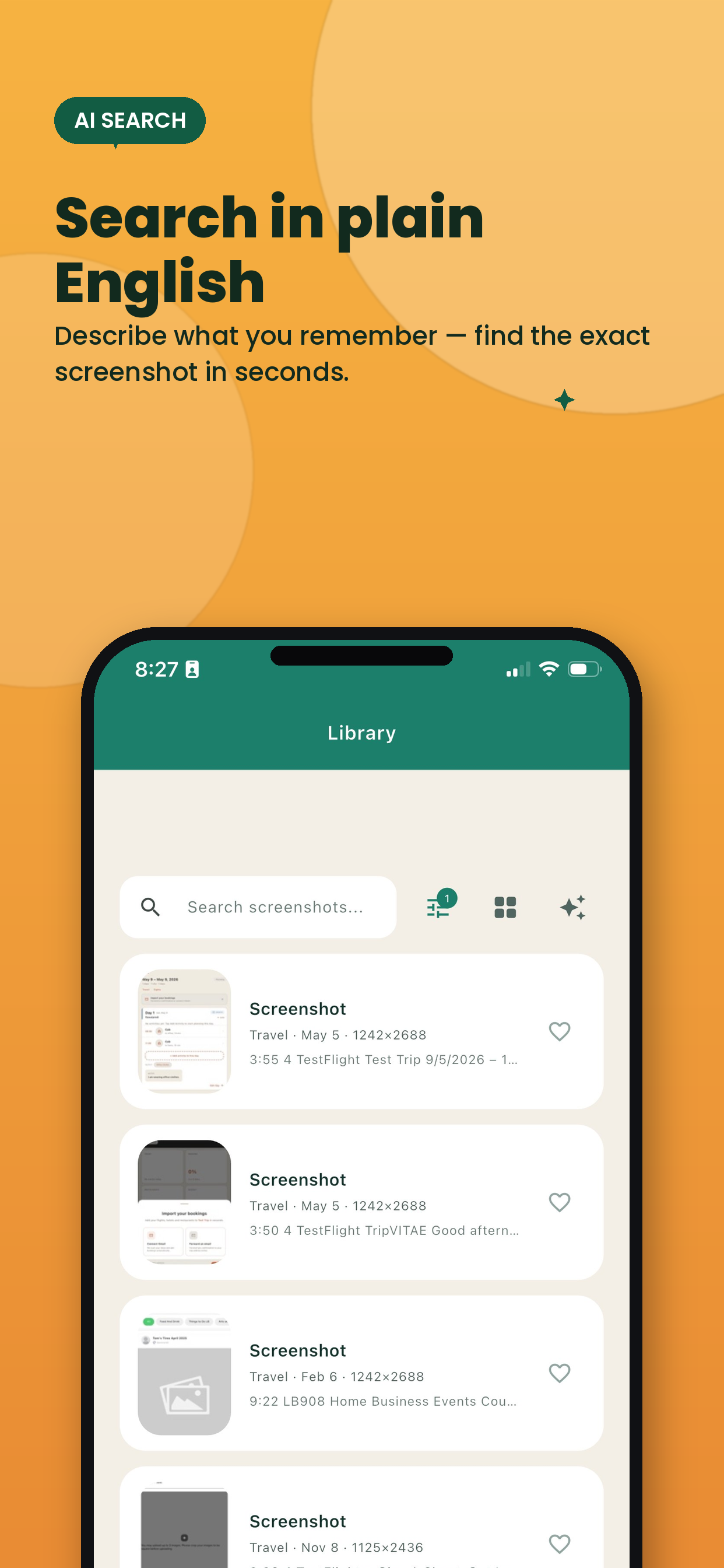
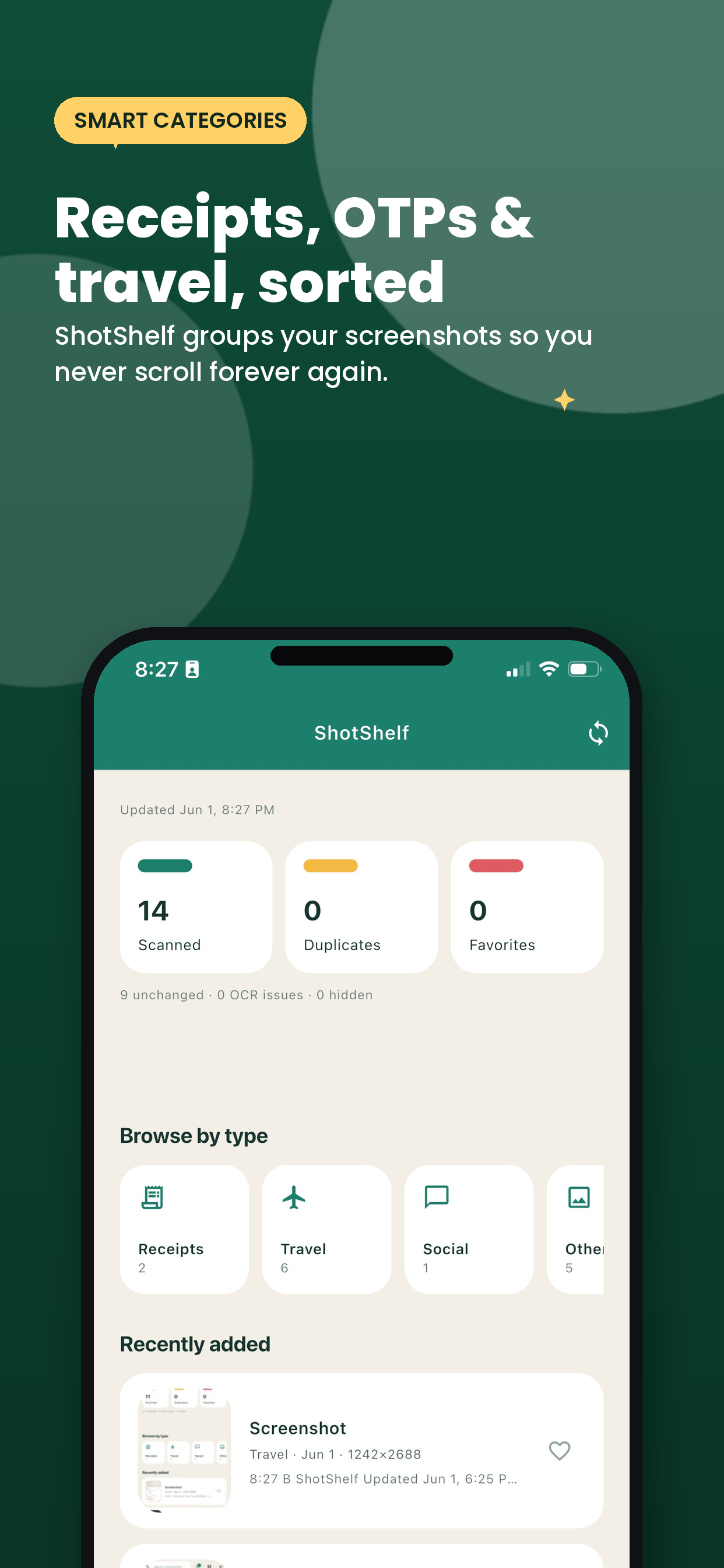
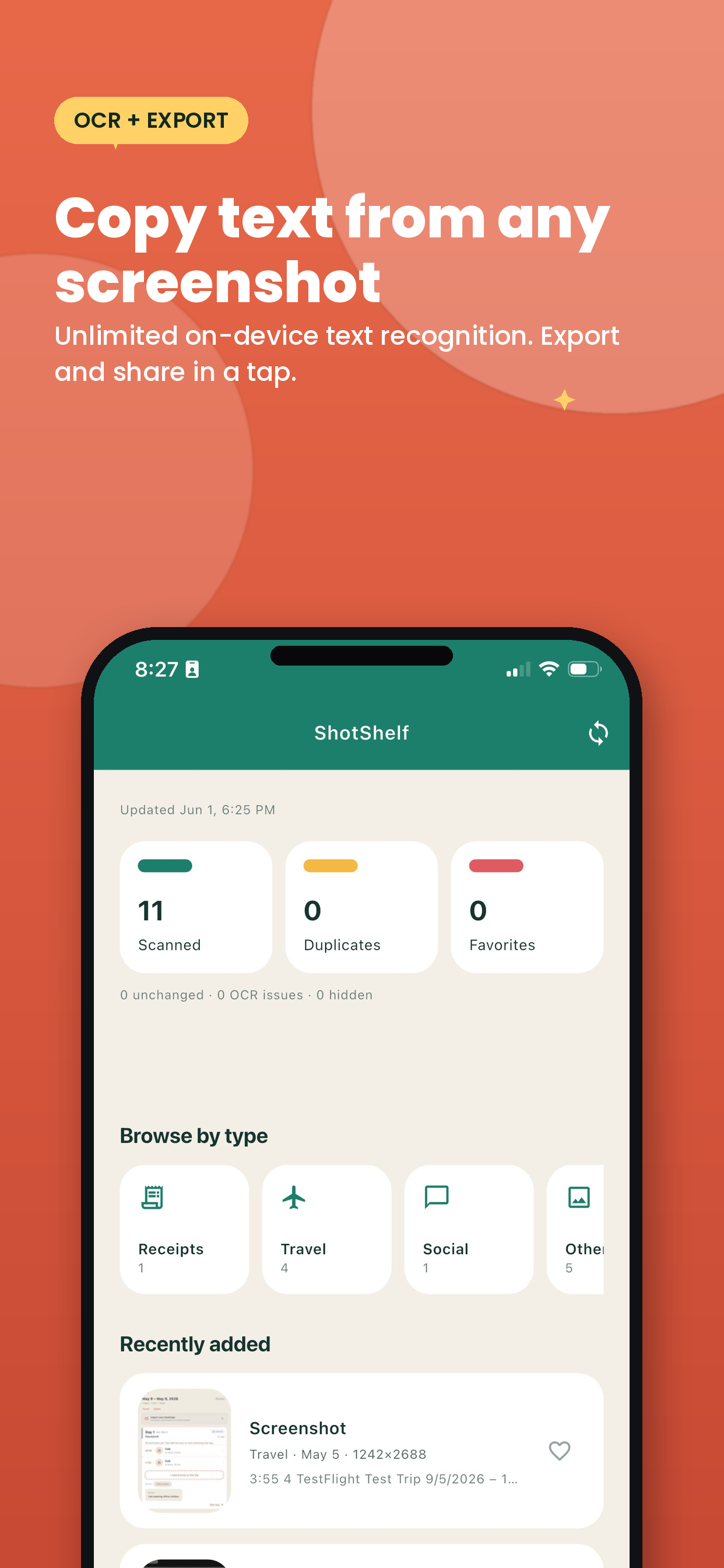
On-device OCR, AI-powered categories, smart search, duplicate cleanup, and swipe-to-delete. Organize hundreds of screenshots in seconds.
Free · No account required · Privacy-first
8 smart categories, AI-powered search, and tools that actually work.
Extract text from any screenshot using local text recognition. Supports Latin, Chinese, Japanese, Korean, and Devanagari scripts.
Describe what you remember in plain English. ShotShelf uses Google Gemini to find screenshots and auto-categorize tricky ones.
Automatically sorts into Receipts, OTPs, Travel, Shopping, Notes, Chats, Social, and Other. Override any category manually.
Detects exact duplicate screenshots using content fingerprinting. Review, keep, or delete extras in one tap.
Swipe any screenshot to delete it instantly with confirmation. Select multiple for bulk delete, favorite, or categorize.
Copy recognized text from any screenshot or share it with other apps. Bulk export text from multiple screenshots at once.
Switch between list and grid view in your library. Grid view shows larger thumbnails for faster visual browsing.
Full dark mode support. Auto-detects your system setting or manually choose between light, dark, and system themes.
No account required. No uploads. OCR, search, and organization all happen locally on your device.
Whatever you screenshot, ShotShelf helps you find it again.
Latest updates and improvements
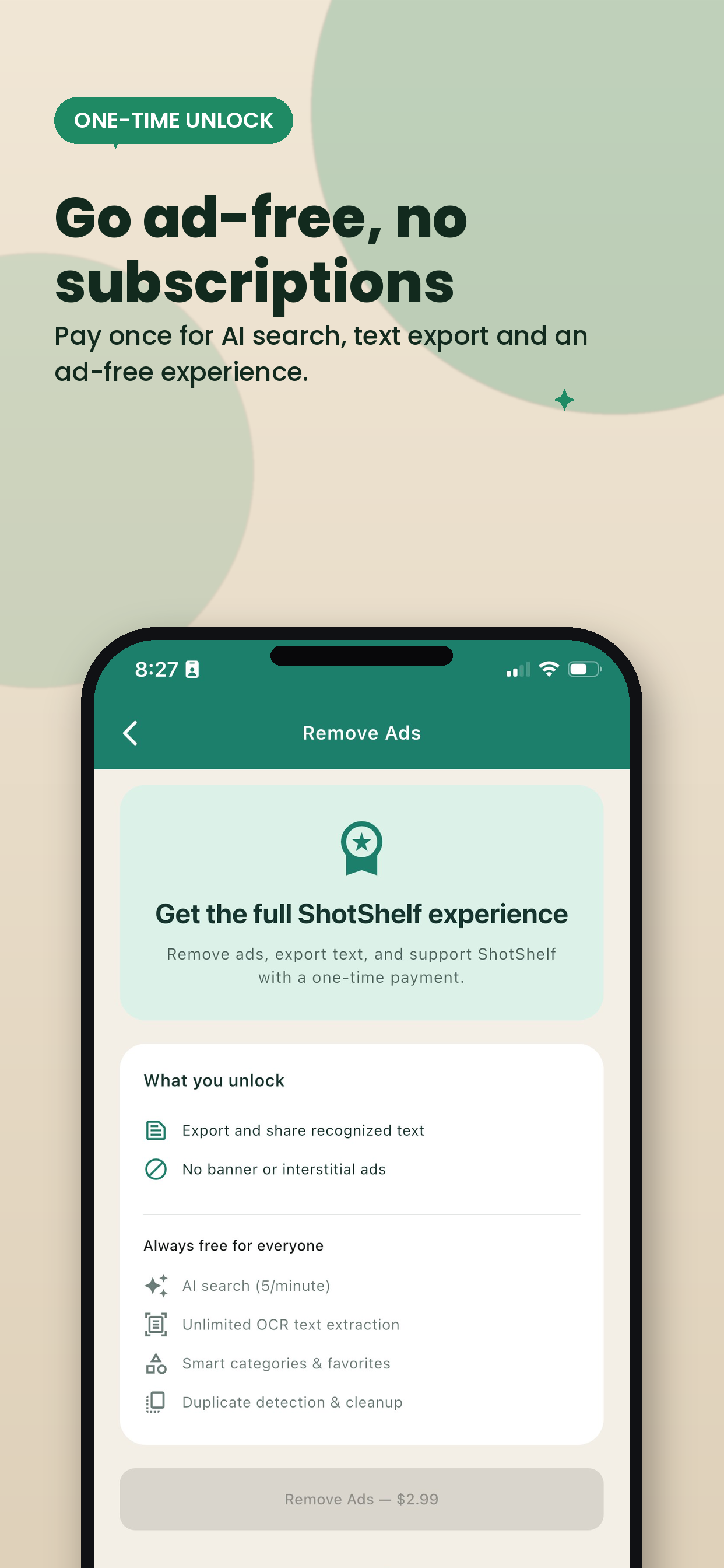
Use ShotShelf free forever, or remove ads with a one-time payment. No subscriptions.
Everything you need to get organized.
One-time payment. No subscriptions ever.
Last updated: June 7, 2026
ShotShelf is a screenshot organization app built to help users find, review, categorize, and clean up screenshots stored on their device.
ShotShelf may request access to:
ShotShelf uses photo-library access to:
ShotShelf is designed to process screenshots locally on the device.
ShotShelf uses Google Gemini for two optional AI features: natural language search and smart categorization. When used, screenshot metadata and recognized text (not images) may be sent to Google's Gemini API. AI categorization only activates when keyword matching is uncertain. Both features are rate-limited and can be avoided by using standard keyword search.
ShotShelf does not require an account to function. ShotShelf does not upload the user's screenshot library to a remote server for core app functionality. ShotShelf does not sell user data.
The free version of ShotShelf displays ads provided by Google AdMob. AdMob may collect device identifiers and usage data as described in Google's Privacy Policy. Users can remove all ads with a one-time in-app purchase.
Users can:
If access is limited, ShotShelf will only work with the items the user has allowed.
All local index data remains on the device unless the user removes the app or resets the local index.
ShotShelf is not directed to children under 13 and does not knowingly collect personal information from children.
This policy may be updated from time to time. Any updated version will replace the previous version in app and store materials.
For questions about this privacy policy or ShotShelf, contact us at support@sevenkoncepts.com.
Download ShotShelf and organize your screenshots in seconds.
Download on iOS — Free